
VorenX for senior living
Every community, every caregiver, one screen
VorenX gives senior living operators one role-based screen above their care and resident systems, scheduling, payroll, learning and accounting. Caregivers see shifts, pay and required training on a phone. Executive directors see residents, care tasks and staffing for their community. Regional directors see every community rolled up, and finance sees labor reconciled to the books.
Updated
What every role sees
| Role | What they see in VorenX | Their screen on this site |
|---|---|---|
| Caregiver (CNA, med tech) | Shifts, pay, open shifts, required certifications and the training feed. | Phone with their department's lessons |
| Executive director | Residents, care tasks, incidents and staffing for the community. | Week schedule |
| Regional director | Every community rolled up: occupancy, staffing, incidents, training. | Example screen |
| Finance | Labor and agency cost by community reconciled to the general ledger. | Run payroll |
| CEO | The portfolio of communities in one view. | Example screen |
The problem today
- Care, resident, scheduling and payroll systems each hold a piece of the picture.
- Certifications expire unnoticed until a survey.
- Agency and overtime cost are found after the fact.
What changes with VorenX
Care tasks next to staffing
Care and resident data joined with who is on.
Certifications that gate shifts
Training completions write back to HR and scheduling.
Incidents by community
Incidents rolled up with severity and status.
Systems that plug in underneath
These are examples of systems communities commonly run. Each one plugs in underneath VorenX, keeps its job as a system of record, and gets approved changes written back.

PointClickCare
Care and resident management: residents, care tasks, incidents in; task assignments, certifications back.

MatrixCare
Care and resident management: residents, care tasks, incidents in; task assignments, certifications back.

Yardi Senior Living
Property management: occupancy, rates, reservations in; housekeeping boards back.

OnShift
Scheduling and timekeeping: schedules, punches, time off in; shift swaps, trained-for-station flags, approved schedule changes back.

UKG Ready
Scheduling and timekeeping: schedules, punches, time off in; shift swaps, trained-for-station flags, approved schedule changes back.

Paylocity
Payroll: pay statements, earnings, deductions in; approved hours, bonuses and adjustments back.

Sage Intacct
Accounting and ERP: general ledger, accounts payable, budgets in; labor accruals, journal entries back.

Relias
Learning management: course history in; training feed completions back.

ECP
Care and resident management: residents, care tasks, incidents in; task assignments, certifications back.

ADP Workforce Now
Payroll: pay statements, earnings, deductions in; approved hours, bonuses and adjustments back.
Questions one AI can answer across those systems
- Which communities relied on agency staff last month, and why?
- Which caregivers have a certification expiring in the next 30 days?
- Where did incidents rise, and what changed in staffing?
Questions senior living teams ask
Training for each department you run
Pick only the departments you have. Each one gets its own short lessons and quick checks, so nobody scrolls past training meant for another team.
CNAs and caregivers
3 example lessons for senior living.
Nursing (RNs and LPNs)
3 example lessons for senior living.
Kitchen and dining
4 example lessons for senior living.
Housekeeping and environmental services
2 example lessons for senior living.
Front desk and reception
2 example lessons for senior living.
Maintenance and facilities
3 example lessons for senior living.
Real screens that fit senior living
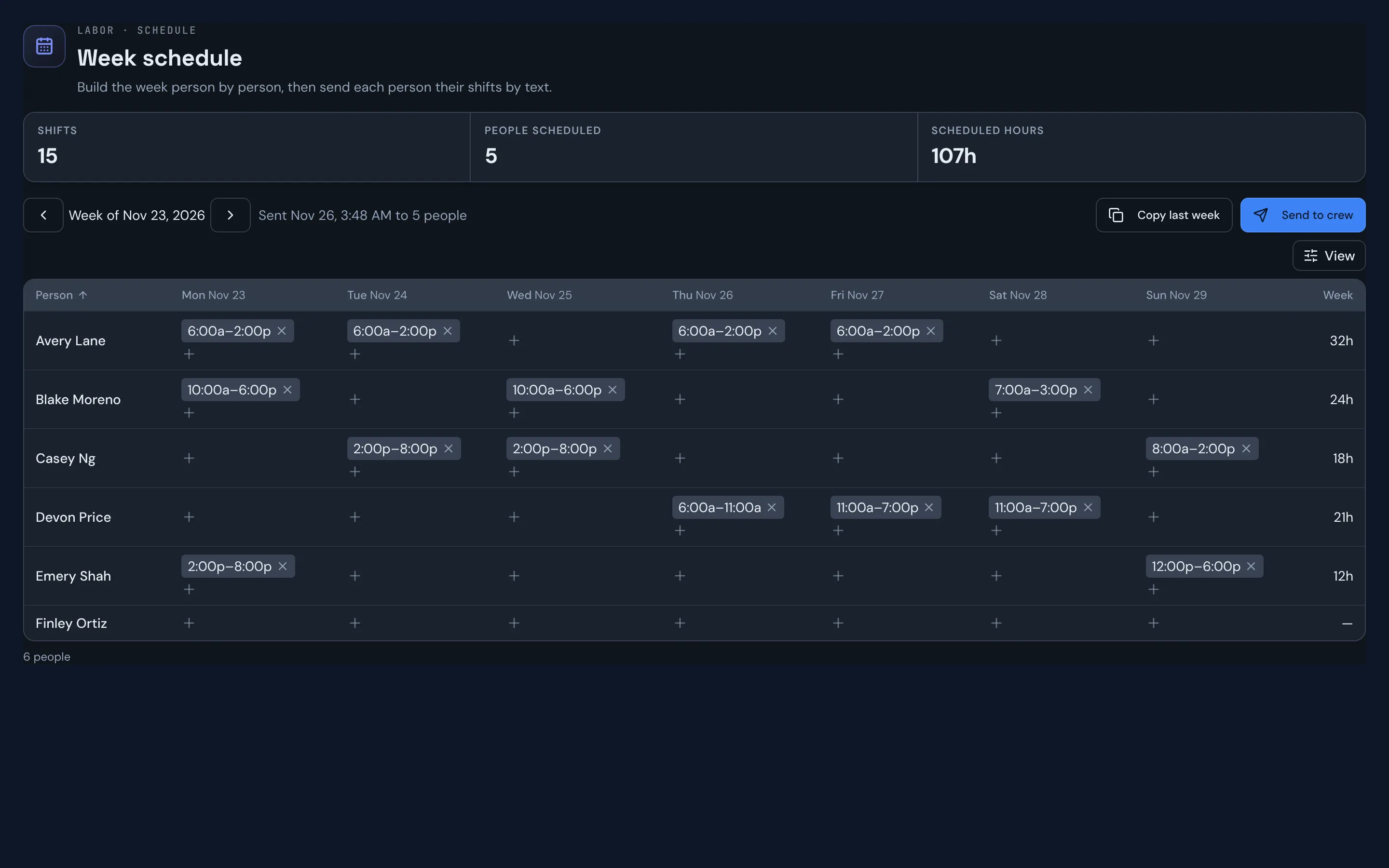
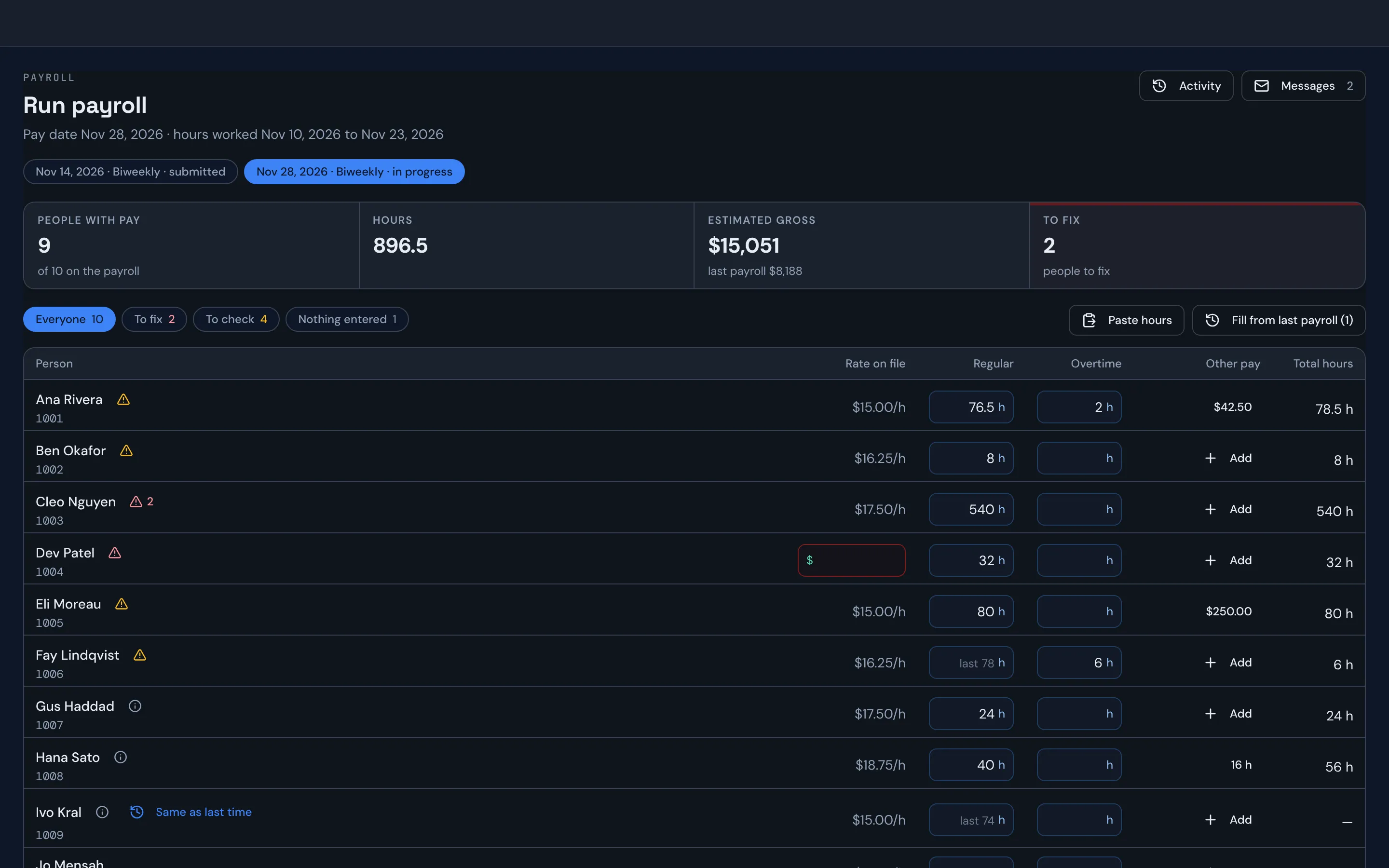
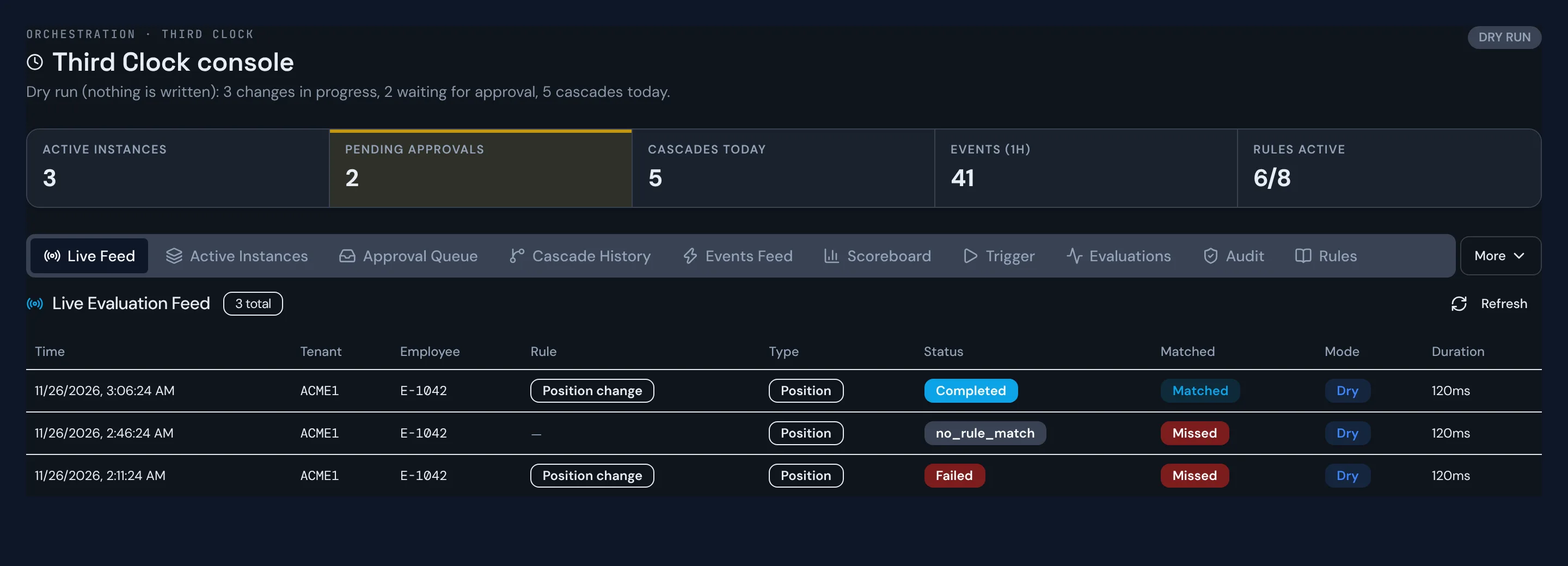
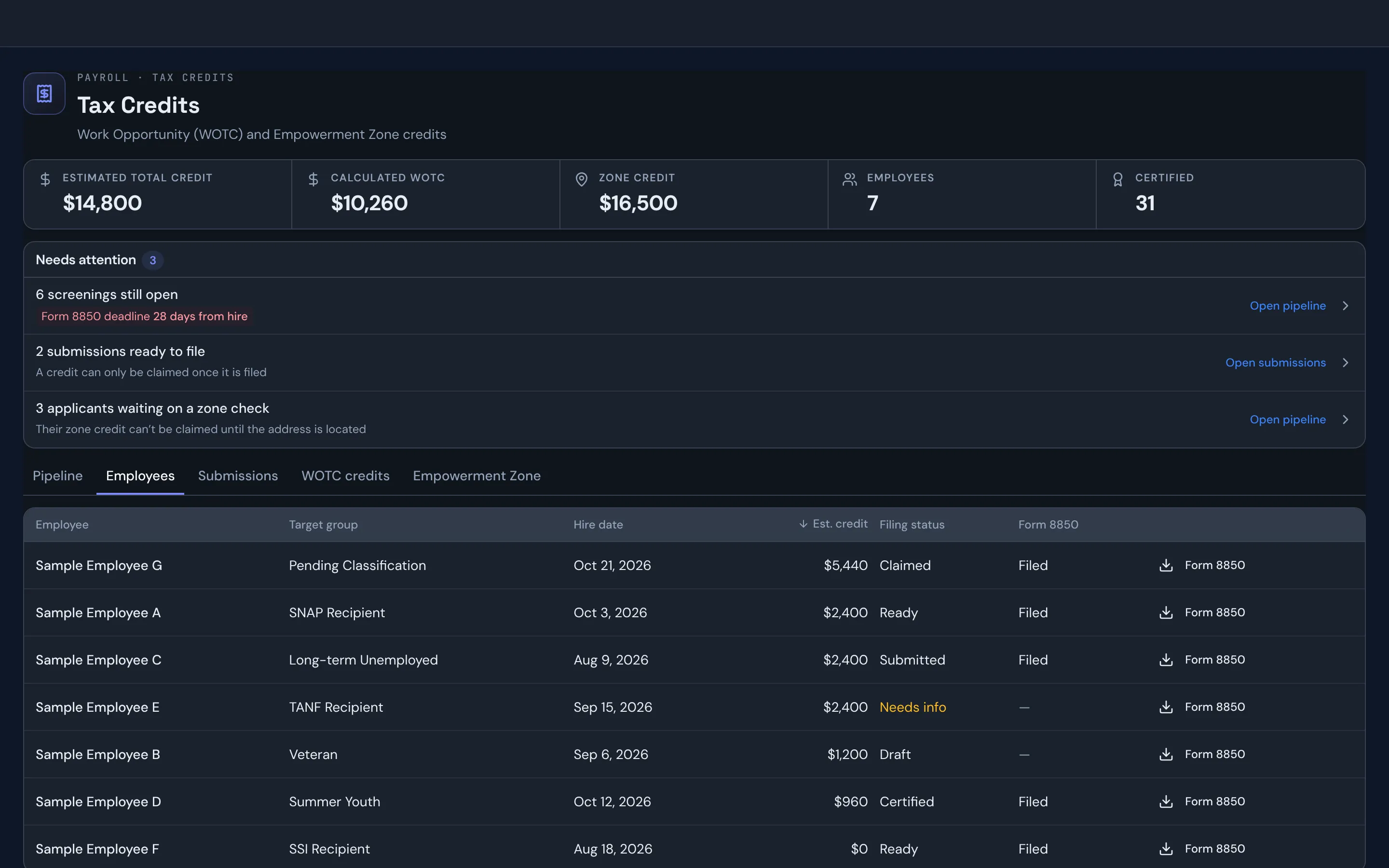
Real VorenX screens. Every name, store and figure is made up.
Questions people ask
Does VorenX work with PointClickCare and MatrixCare?
Yes. Care and resident systems such as PointClickCare and MatrixCare plug in underneath VorenX. Residents, care tasks and incidents flow up; task assignments and certifications flow back.
Can each community see only its own data?
Yes. Each community is a rooftop. People see only the communities their role covers, and regional and corporate roles see the roll-up.
Can VorenX flag caregiver certifications before they expire?
Yes. Certifications are tracked across HR and learning systems and flagged before they lapse.
Keep reading
The third clock
The VorenX third clock checks every connected system against the top layer on every sync, flags disagreements, lets a person decide what is true, and writes it back.
The training feed
VorenX replaces manuals with a scrollable feed of short vertical training videos and quick checks. Completions and certifications write back to HR and scheduling.
Roles
VorenX is built down from people: frontline teams, managers, area supervisors, payroll and finance, owners, HR, IT and vendors each get one screen built for their job.
Systems Concierge
Every VorenX customer gets a Systems Concierge: a managed-services team that knows your systems, works with your IT team and vendors, and keeps everything in sync.